Plan, track and steer all your projects in one place
Project managers spend too much time consolidating: chasing people to find out where a task stands, updating a schedule in Excel, rebuilding a deck for the committee. Gladys brings together the schedule, resources, budget and discussions of every project. You steer on up-to-date information, not on the latest version of a file.
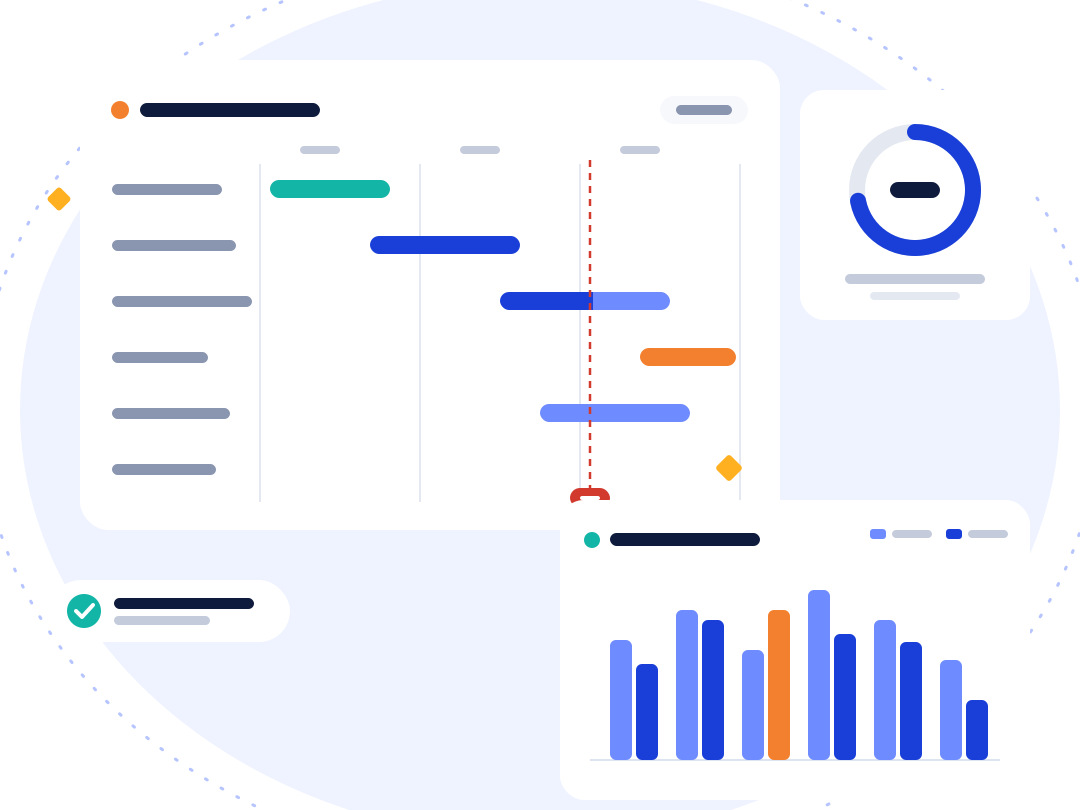
Structure your project and plan your actions
-
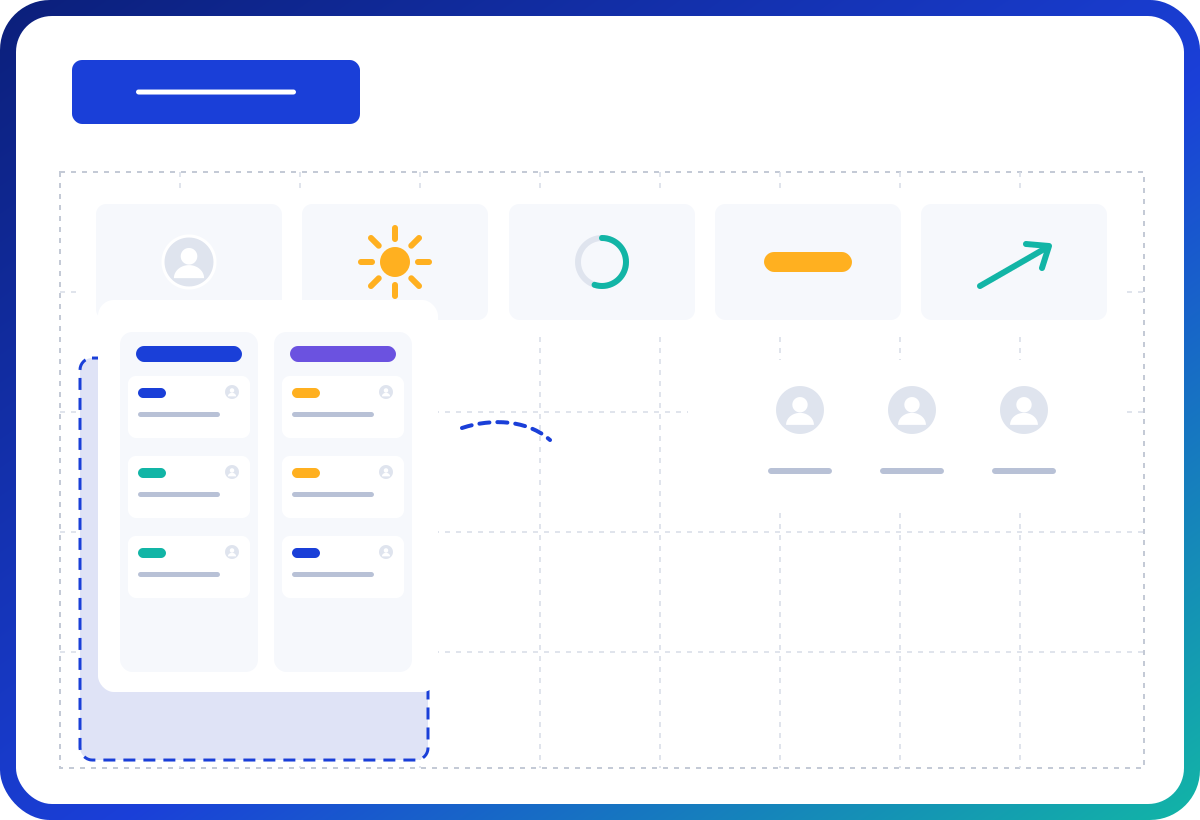
A project home page
Goals, team, deadlines and project weather, readable by everyone.
-
Phases, tasks and subtasks
With owners, dates and priorities.
-
A Gantt chart
With milestones and dependencies: when a task slips, you immediately see what it pushes back.
-
Project templates
So you never start from scratch and practices stay consistent across the organisation.
-
Several views
List, kanban, Gantt, to suit the way each person works.
Manage resources and time
-
Workload
Per person and per team, so the same people are not always overloaded.
-
Time spent
Logged on tasks, with timesheets for the teams that need them.
-
Absences
Taken into account in available capacity (guide “Managing absences”).
Track the budget
Expenses and revenue are tracked per project and per budget line. You always know what is committed and what is still available, without waiting for the accounting export.
Steer the portfolio
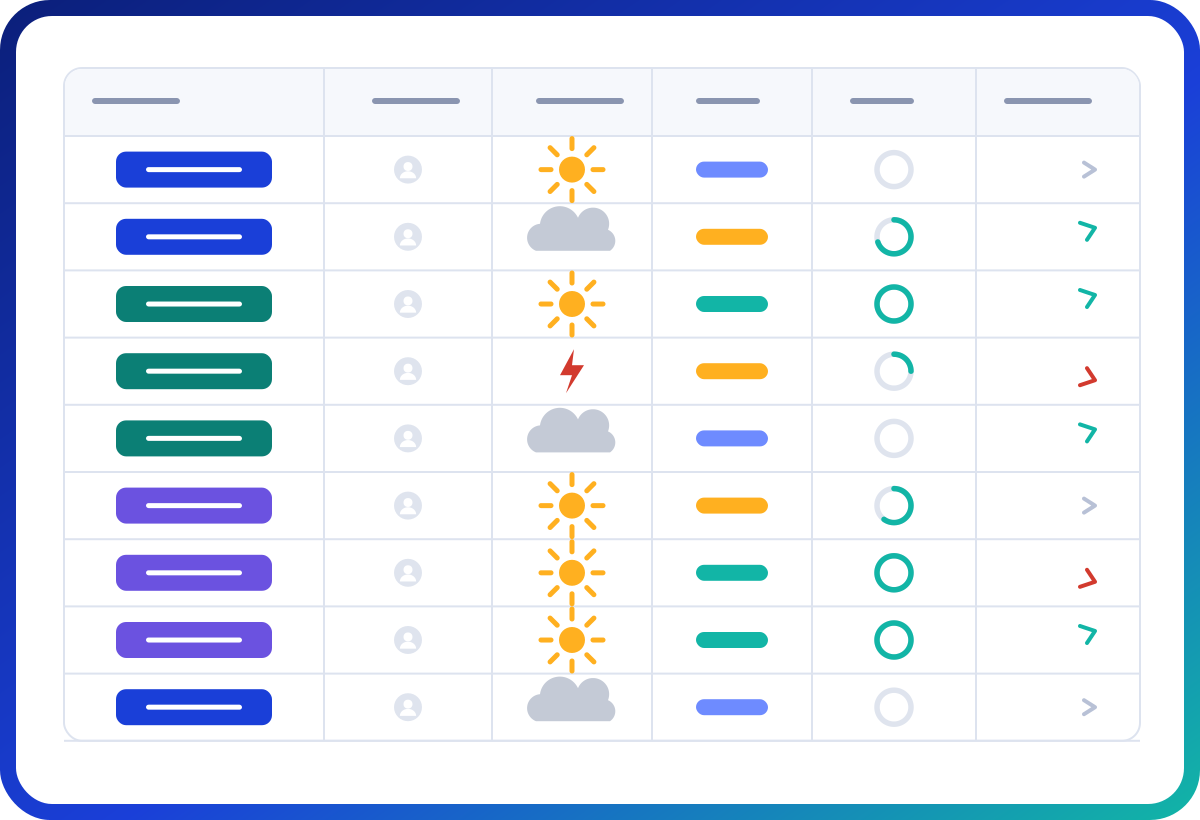
Management sees every project on one screen: progress, weather, delays, budget used. The multi-project Gantt shows overlaps and bottlenecks. Portfolios can be grouped by department, programme or theme.
Report without spending your evening on it
Gladys generates project reports in PowerPoint format from up-to-date data. The dashboard and custom indicators show the real state of the project for the steering committee.
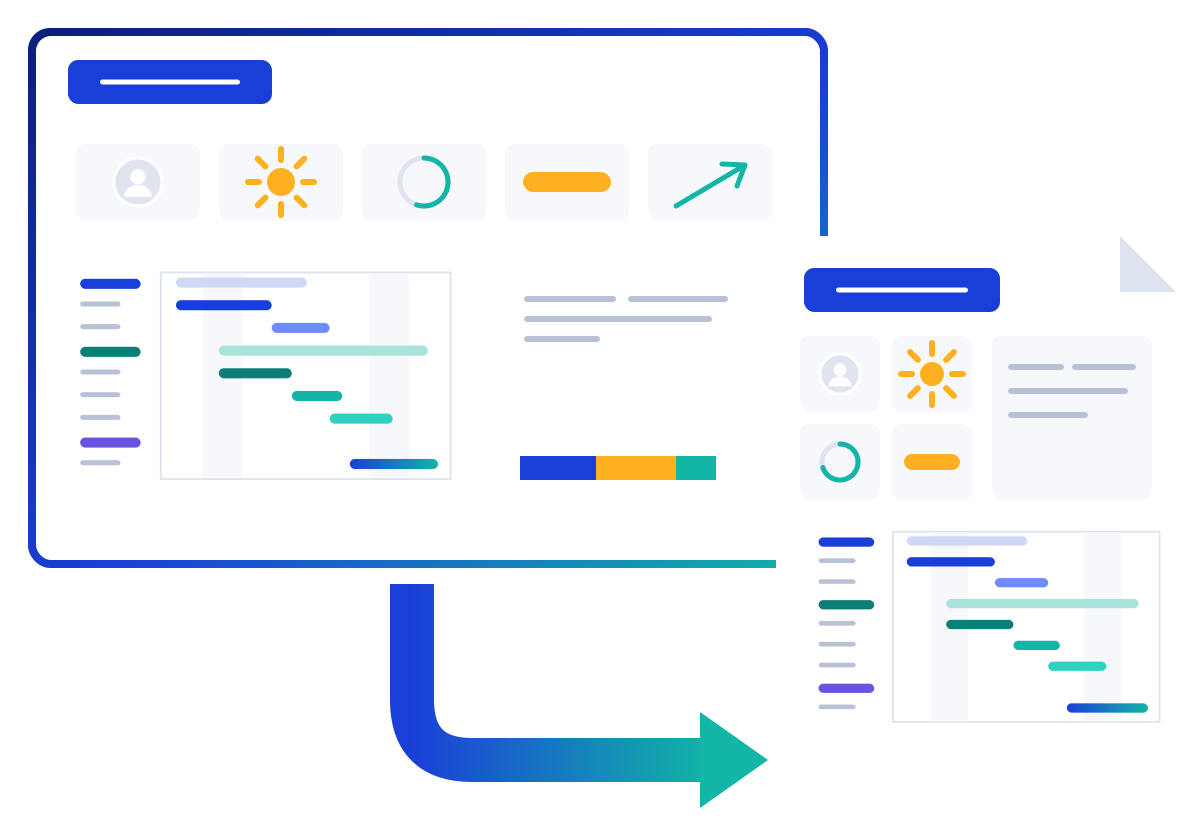
A project in Gladys, from kick-off to steering committee
- 1
Kick-off: the project is created from a template, with its phases, milestones and team. The organisation’s reference milestones (committees, budget closings) appear on its schedule.
- 2
Planning: tasks are dated, linked by their dependencies and assigned to their owners. Everyone’s workload shows up before work even starts.
- 3
Tracking: everyone updates their tasks and talks in the project. Progress, delays and project weather are calculated from that real work.
- 4
Steering committee: the PowerPoint report is generated from the organisation’s template, with today’s data. The meeting is for deciding, not consolidating.
What changes compared with an Excel schedule
-
One version only
No more files emailed around in several copies: everyone works on the same, up-to-date project.
-
Dates that recalculate
When a task slips, dependencies push back the rest of the schedule automatically.
-
Context alongside tasks
Conversations, documents and decisions stay attached to the project, instead of getting lost in email.
-
The big picture without copy-paste
The portfolio brings all projects together. And Excel and PDF exports remain available at any time.
-
Notifications instead of chasing
Everyone is notified when a task is assigned to them, when they are mentioned or when a conversation concerns them, in the app, by email and on mobile.
Who is it for?
-
Project managers
One place to plan, track and report.
-
PMOs and management
A consolidated view of the portfolio.
-
Project teams
Knowing what to do and by when, and discussing it in the context of the project.
Gladys is used by companies, mid-sized businesses and local authorities. See Gladys for local authorities.
What our customers say
We were looking not only for a project and portfolio management solution, but also for one that could handle collaboration across the company (innovation through an ideas lab, user interactions), and we are delighted with it.
Simple, practical, effective, user-friendly and adaptable: Gladys won us over from the very first presentation.
Frequently asked questions
How is it different from a simple task tool?
Gladys adds what you need to steer: Gantt, resources, budget, portfolio and reports.
Do I need to be a certified project manager to use it?
No. Classic and agile methods both work, without imposing jargon.
Which plan should I choose?
The Essential plan (€12 per user per month) covers tasks, Gantt and portfolio. The Premium plan (€19) adds budgets, resources, timesheets and PowerPoint reports. See pricing
Can we bring in our existing schedules?
Yes, with the Excel import (guide “Importing projects from Excel”): projects, tasks, owners and dates are created in one go.
Can we share a project’s status outside the organisation?
Yes, by inviting partners to the project with limited permissions, or with a public, read-only link.
Does Gladys suit agile methods?
Yes: the kanban follows the flow of work, lists and subtasks break it down, and the Gantt keeps milestones in view. Both approaches can be combined in the same project.
How many projects can we manage?
As many as you like: projects and members are unlimited on every plan.
I'm interested and would like to know more about the solution