It's official: the new version of Gladys is available
Today marks the official launch of Gladys V3. Here is how to access it now, and how it works alongside the current version.
2 min read
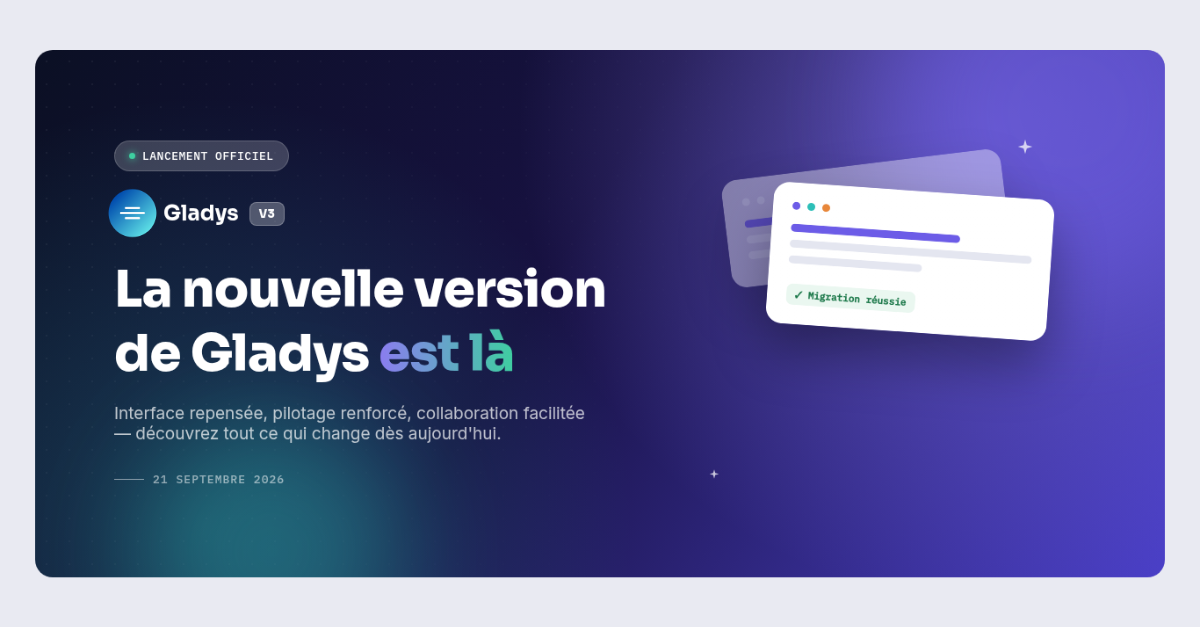
21 September is today. After weeks of beta and your valuable feedback, the new version of Gladys officially opens its doors to all users.
It's the big day: the new version of Gladys is available now. And to make the transition smooth, both versions will run side by side while you migrate.
A new sign-in screen to guide you
To support this transition, the Gladys sign-in screen temporarily changes its look: on one side, your usual workspace (Current version); on the other, a presentation of Gladys V3 with two ways forward, depending on where you are.
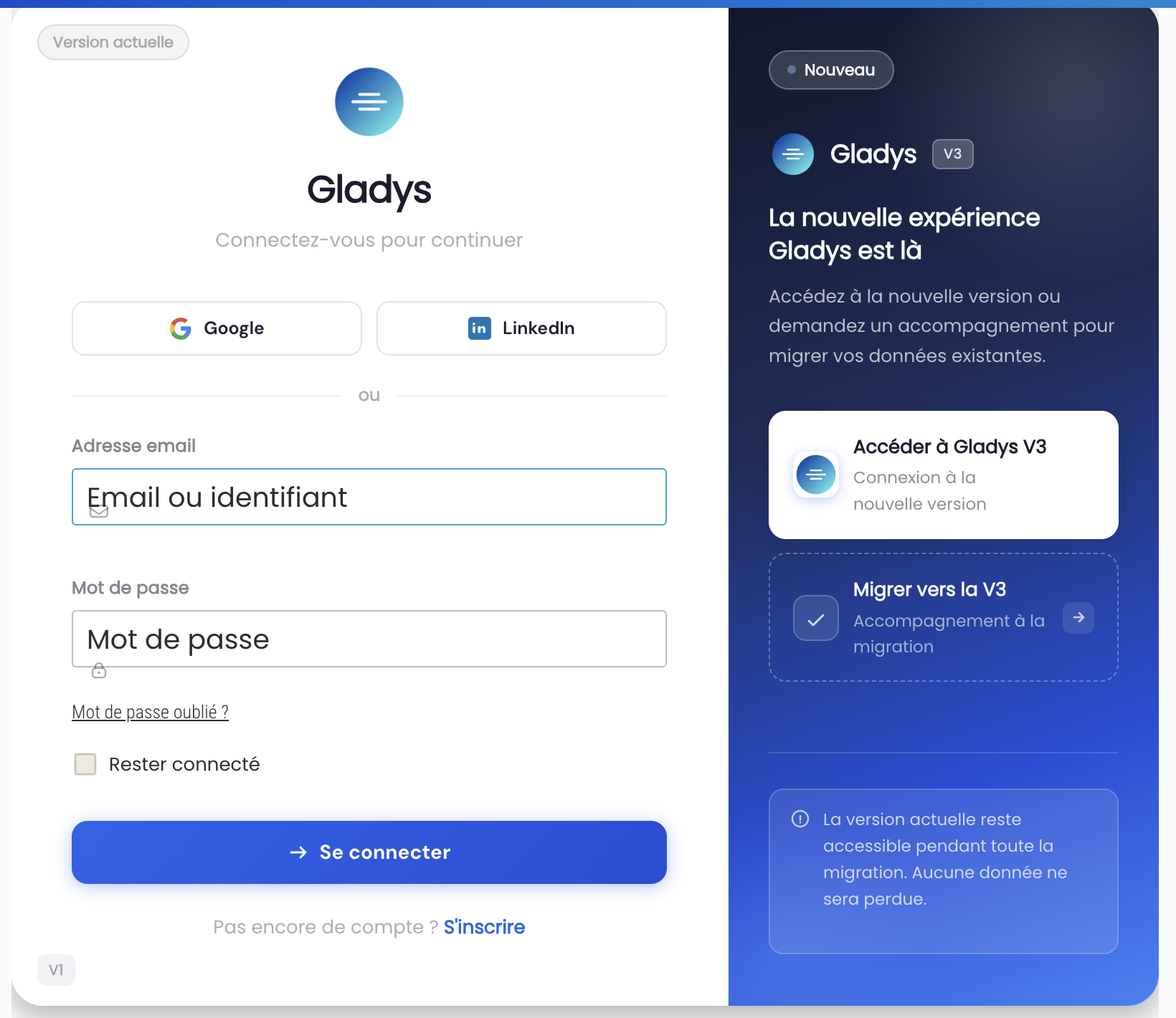
Two ways forward, at your own pace
On the right-hand panel of the sign-in screen, two options are available:
Go to Gladys V3
Ready to try it? This button signs you straight into the new version, with your existing account.
Migrate to V3
Need a hand to transfer your existing data? This option puts you in touch with dedicated migration support.
Both versions run side by side, safely
Throughout the migration period, your current version remains fully available from the left-hand panel of the sign-in screen. No data is lost, and you decide when to switch to V3 for good.
Key points to remember
- The new version of Gladys is available today, for everyone
- The sign-in screen now shows both versions side by side
- You can go straight to V3, or ask for migration support
- The current version remains available until your migration is complete
- No existing data will be lost during the transition
Need help signing in or migrating your data? Our user guide is here to guide you step by step.
Thank you for coming with us this far. The Gladys team is happy to answer any questions about this new step.
I'm interested and would like to know more about the solution